Latest posts
-
Cisco Nexus 7000 Supervisor module comparision – Sup1 Vs Sup2 Vs Sup2E
1. Supervisor 1 :- Before 6.2, maximum 4 VDC (3 non default + 1 default ) are supported. In 6.2(2), Sup-1 also support admin VDC. It gives you the option to either create 1 x default VDC and 3 x non default VDC or 1 x admin VDC and 4 x non-default VDC. Maximum 32…
-
Cisco Nexus 7000 FAQs
1. What are the 7K model available? Answer:- 7004 , 7009 , 7010 and 7018 2. Is 7004 supports all Fabric Modules? Answer:- No, Fabric module is not present in 7004 whereas all other Nexus 7K needs fabric module to work. 3. In 7k, Can we use supervisor slot for line cards? Answer :- No,…
-
Cisco Nexus 7000 Model comparison.
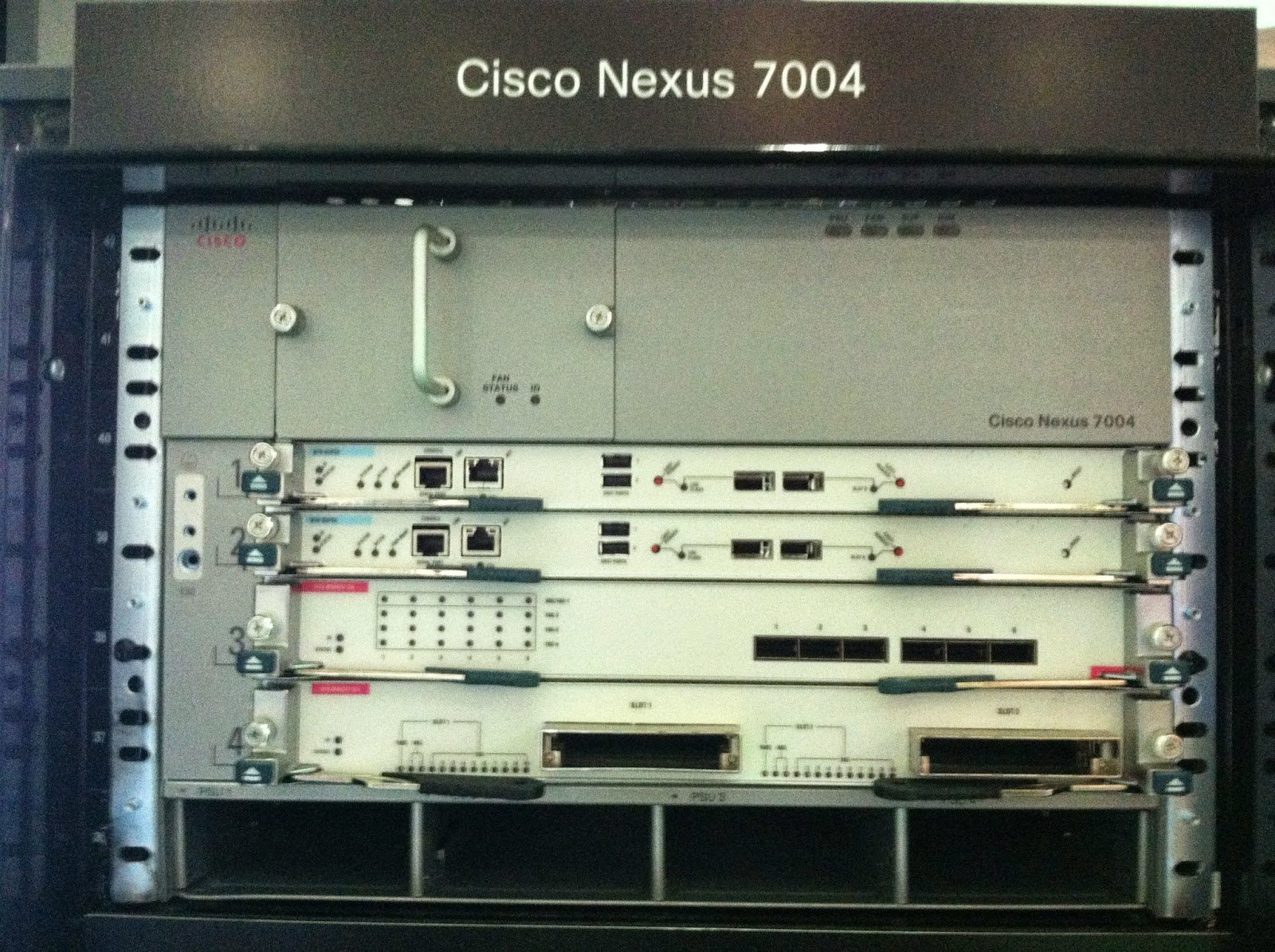
7004 :- · Fabric Module is not present. · Sup 1 is not supported. Only supports Sup2 and Sup 2E. · All XL versions of M1series modules, M2 series modules, and F2 series modules are supported. It does not support the F1 series module or non-XL M1 series modules · Maximum 2 line…
-
Configure SSID with Mac filtering Cisco WLC
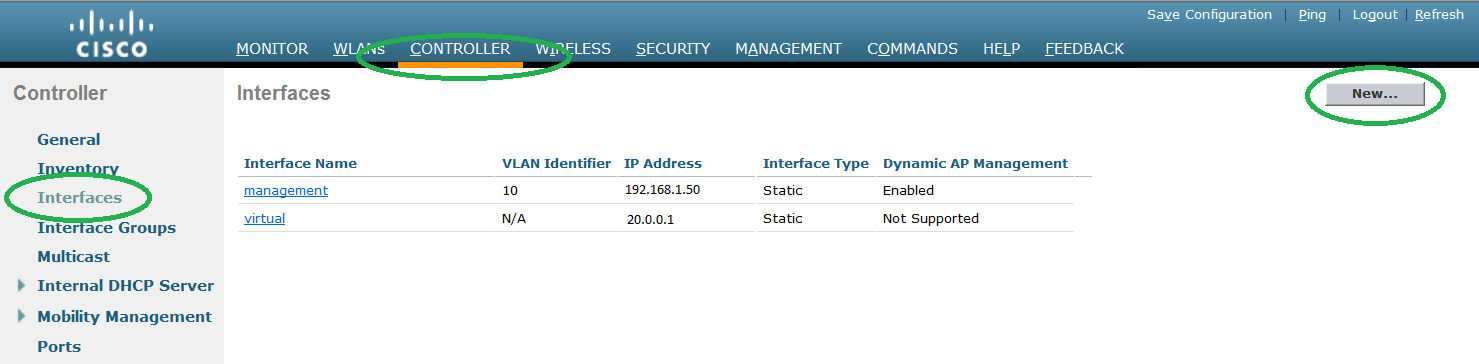
Step 1. Go to CONTROLLER – > INTERRFACE -> NEW to create new interface. Step 2. Give the interface name and Vlan id and press APPLY. Step 3. Provide the IP address/Net mask/Gateway to the interface. Also enter the VLAN id to which the SSID traffic will be mapped. Map the logical interface to the…
-
SSID using WEP autentication in CISCO WLC
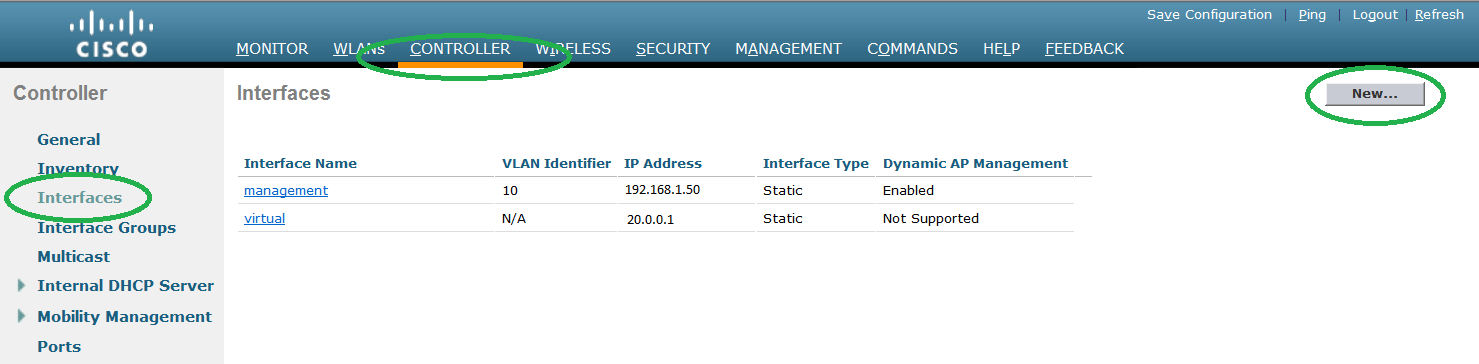
Step 1. Go to Controller – > Interface -> New to create new interface. Step 2. Give the interface name and Vlan id and press APPLY. Step 3. Provide the IP address/Netmask/Gateway to the interface. Also enter the VLAN id to which the ssid traffic will be mapped. Map the logical interface to the physical…
-
Configure Guest SSID using customized Web login page in CISCO WLC
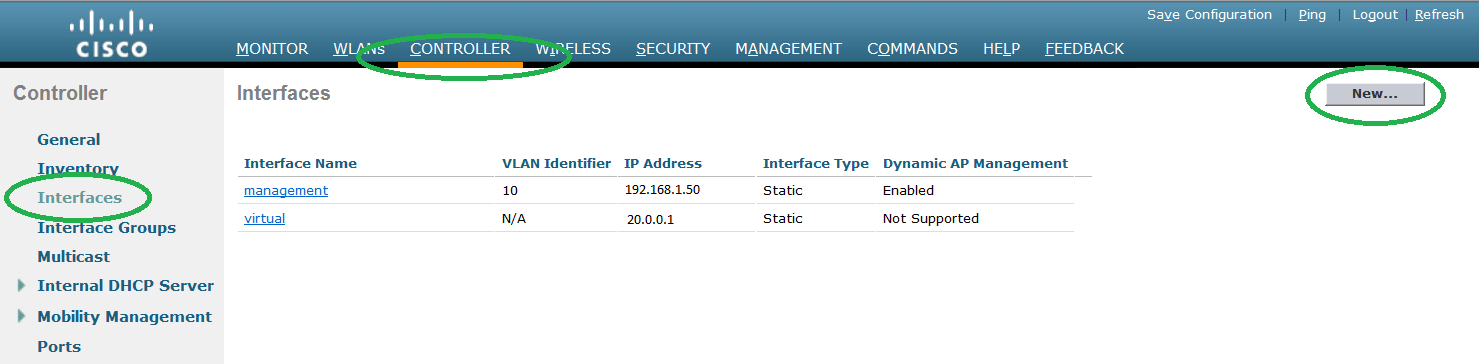
Step 1. Go to Controller – > Interface -> New to create new interface. Step 2. Give the interface name and Vlan id and press APPLY. Step 3. Provide the IP address/Netmask/Gateway to the interface. Also enter the VLAN id to which the ssid traffic will be mapped. Map the logical interface to the physical…
-
Guest SSID configuration in CISCO WLC using internal webpage
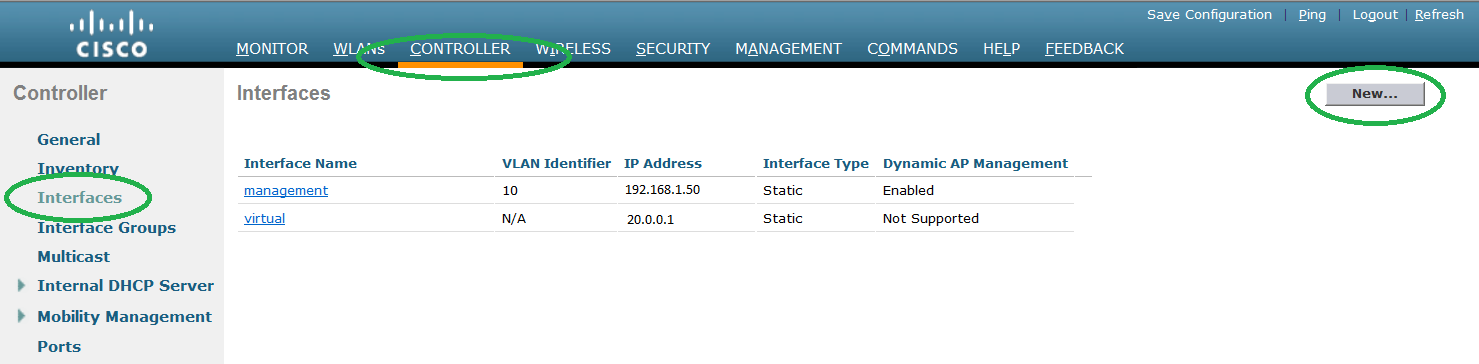
Step 1. Go to Controller – > Interface -> New to create new interface. Step 2. Give the interface name and Vlan id and press APPLY. Step 3. Provide the IP address/Netmask/Gateway to the interface. Also enter the VLAN id to which the ssid traffic will be mapped. Map the logical interface to the…
-
Configure Corporate SSID using dot1.x authentication in Cisco WLC
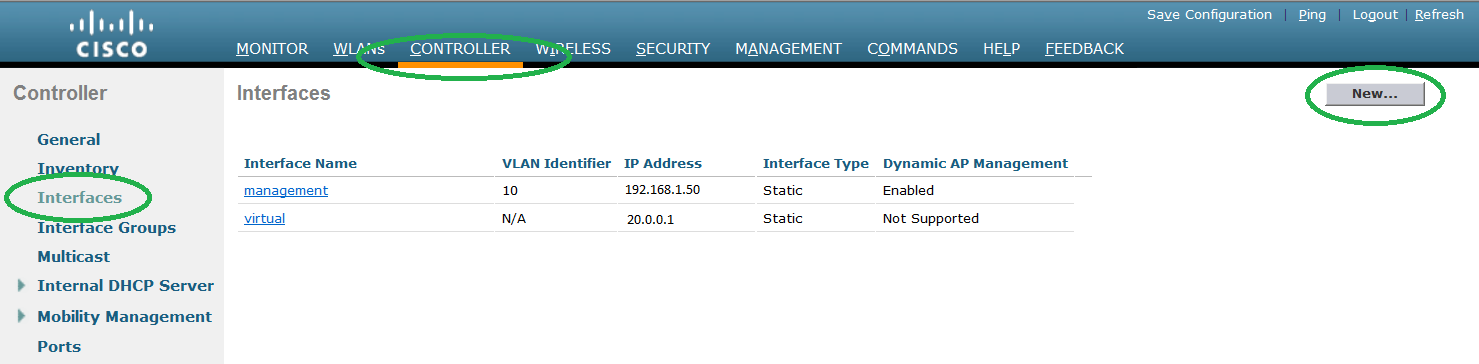
Below is the procedure to create a new SSID using dot 1.x authentication. Dot1.x authentication generally used for coporate wireless network. where user is authenticated via AD and machine certificate. Below are few EAP authentication methods. EAP-LTS is the most secure dot1.x methode which require both machine and user authentication. EAP-PEAP authenticate the client using…
-
Save/export CMD output to a file
Step 1. Go to Windows – > Run -> type CMD and press enter. Step 2. Go to the directory where you want to save the file. Use cd.. to exit from the folder. C:Usersguest>cd.. C:Users> Use cd to go the directory. C:Users>cd guest C:Usersguest> Step 3 Run the command cmd >capture.txt to make…
-
What is VXLAN Cisco ?
In legacy cisco environment we can only create 4094 Vlans as it only uses 12 bits Vlan id. If we talk about cloud infrastructure where there are many clients. Do we think 4094 vlan are sufficient? Answer is NO. We certainly need a large number of vlan or similar technique to provide Layer 2 isolation.…